
Description
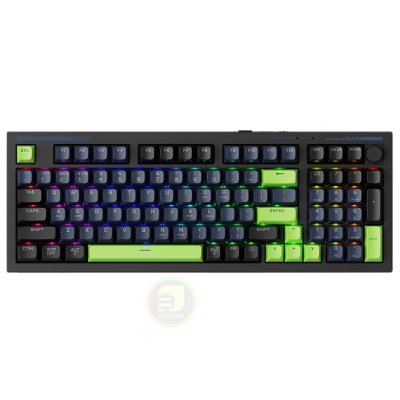
Machenike K1 RGB BK
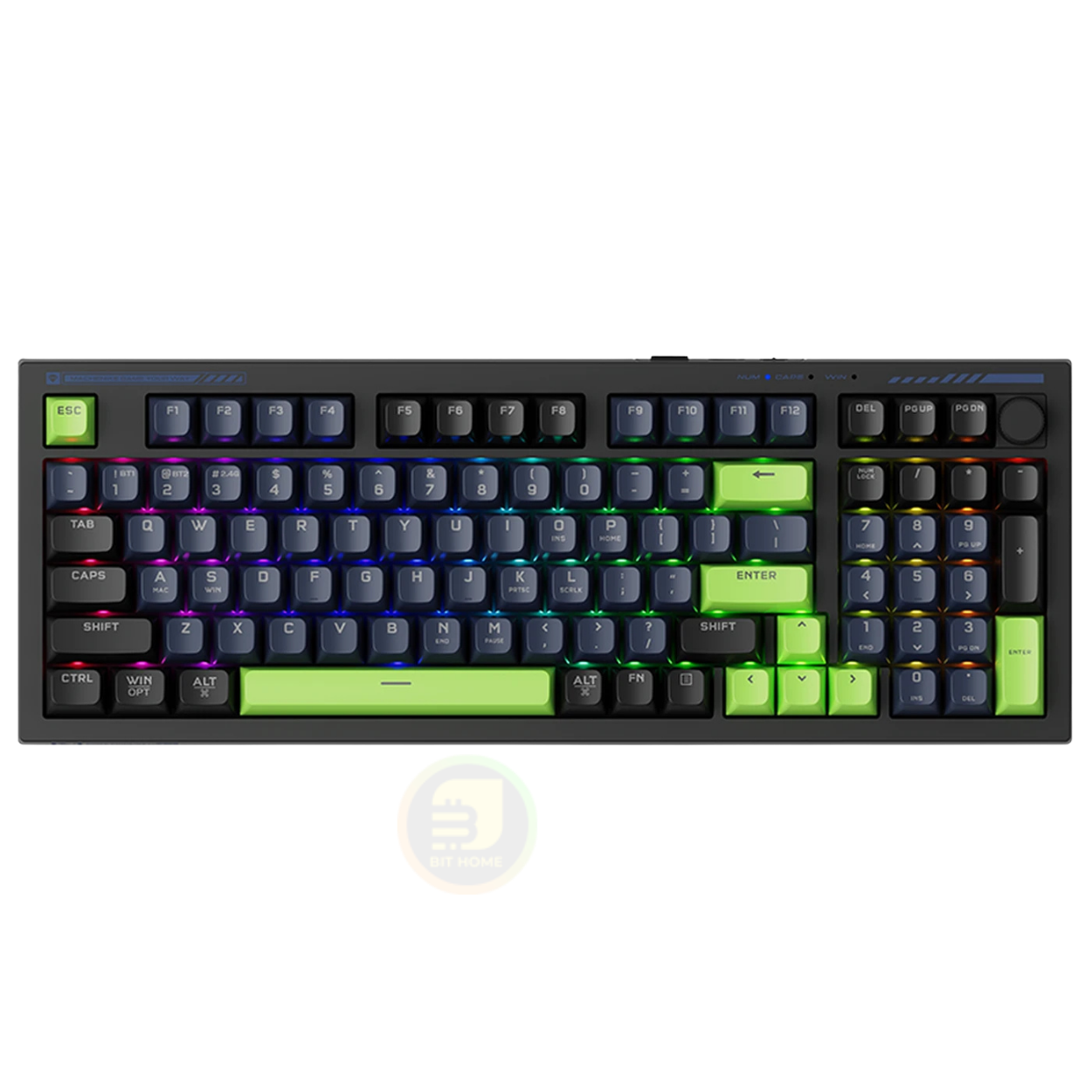
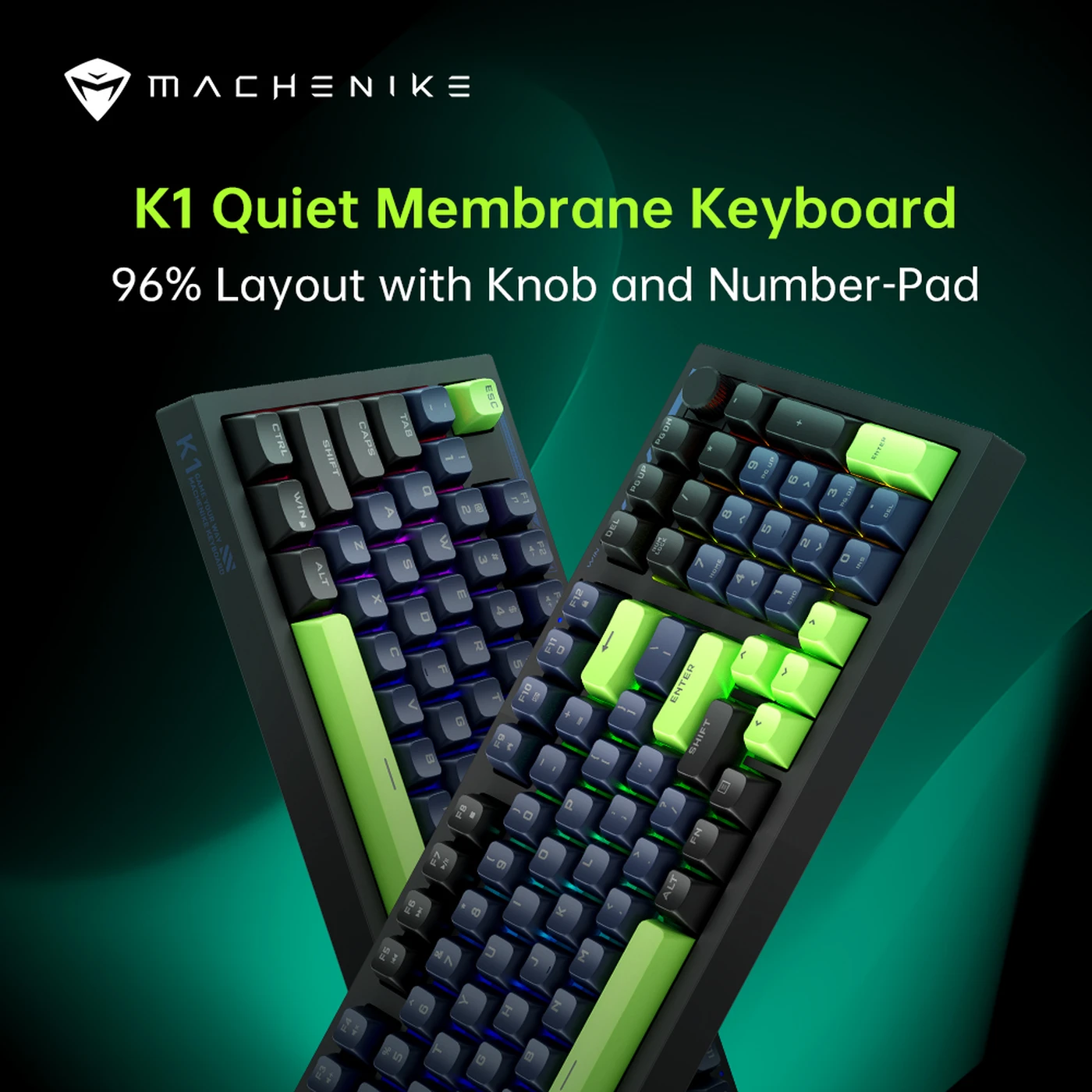
Machenike K1 RGB BK Clavier mécanique filaire, 98 touches – Noir et vert membrane
Le Machenike K1 RGB BK est un clavier mécanique haute performance conçu pour les amateurs et les professionnels de jeux vidéo. Doté d’un éclairage RGB vibrant, il permet des effets d’éclairage personnalisables pour correspondre à votre configuration ou à votre humeur. Le clavier est construit avec des matériaux durables et offre une expérience de frappe confortable avec des touches réactives. Son design compact économise de l’espace sur le bureau tout en conservant une fonctionnalité complète, ce qui en fait un choix idéal pour le travail et les loisirs.
Knob Function
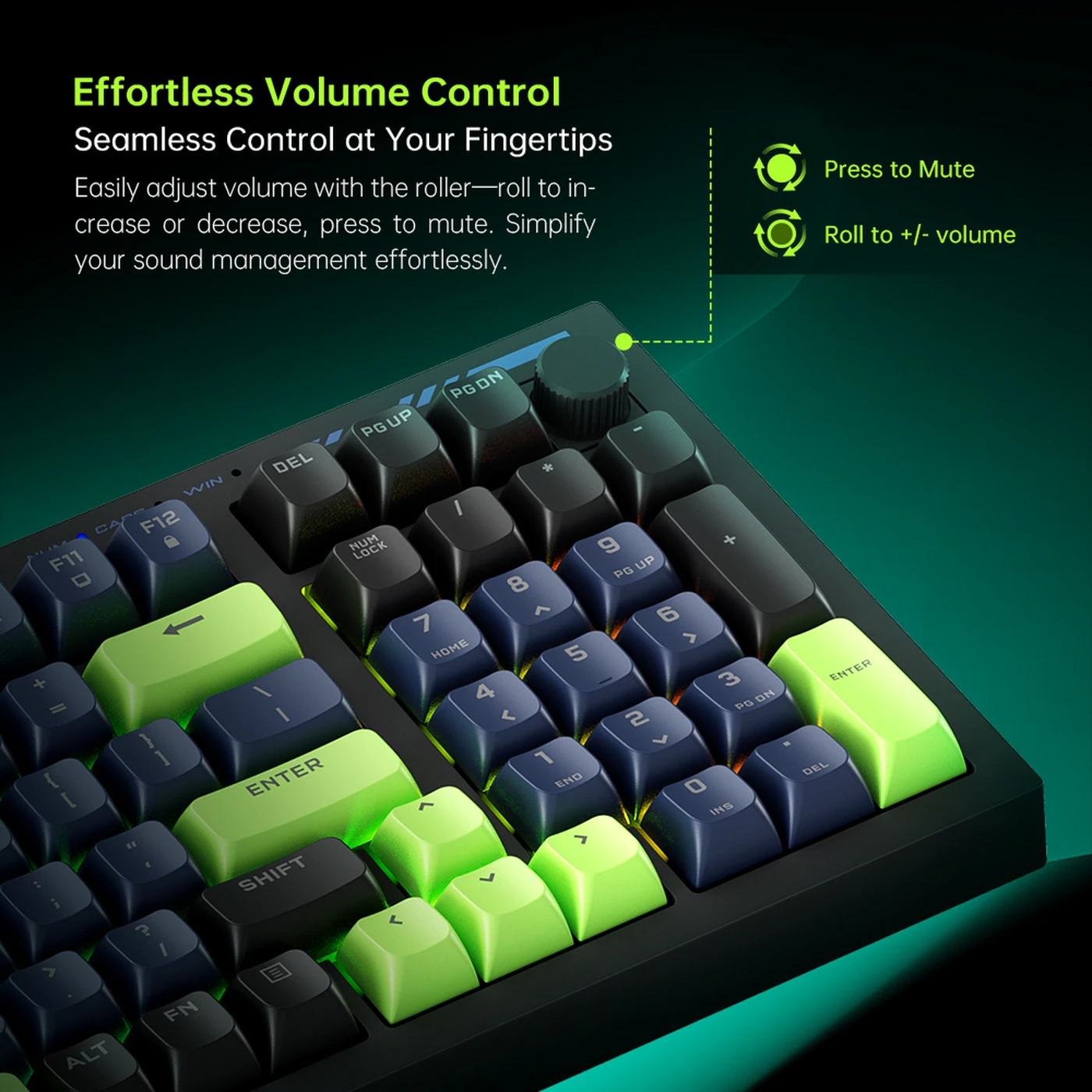
The integrated knob provides effortless volume control:
- Adjust Volume: Rotate the knob right to increase volume, rotate left to decrease volume.
- Mute: Press down on the knob to mute or unmute the audio.

Figure 3: Volume control knob for seamless audio management
Lighting Modes
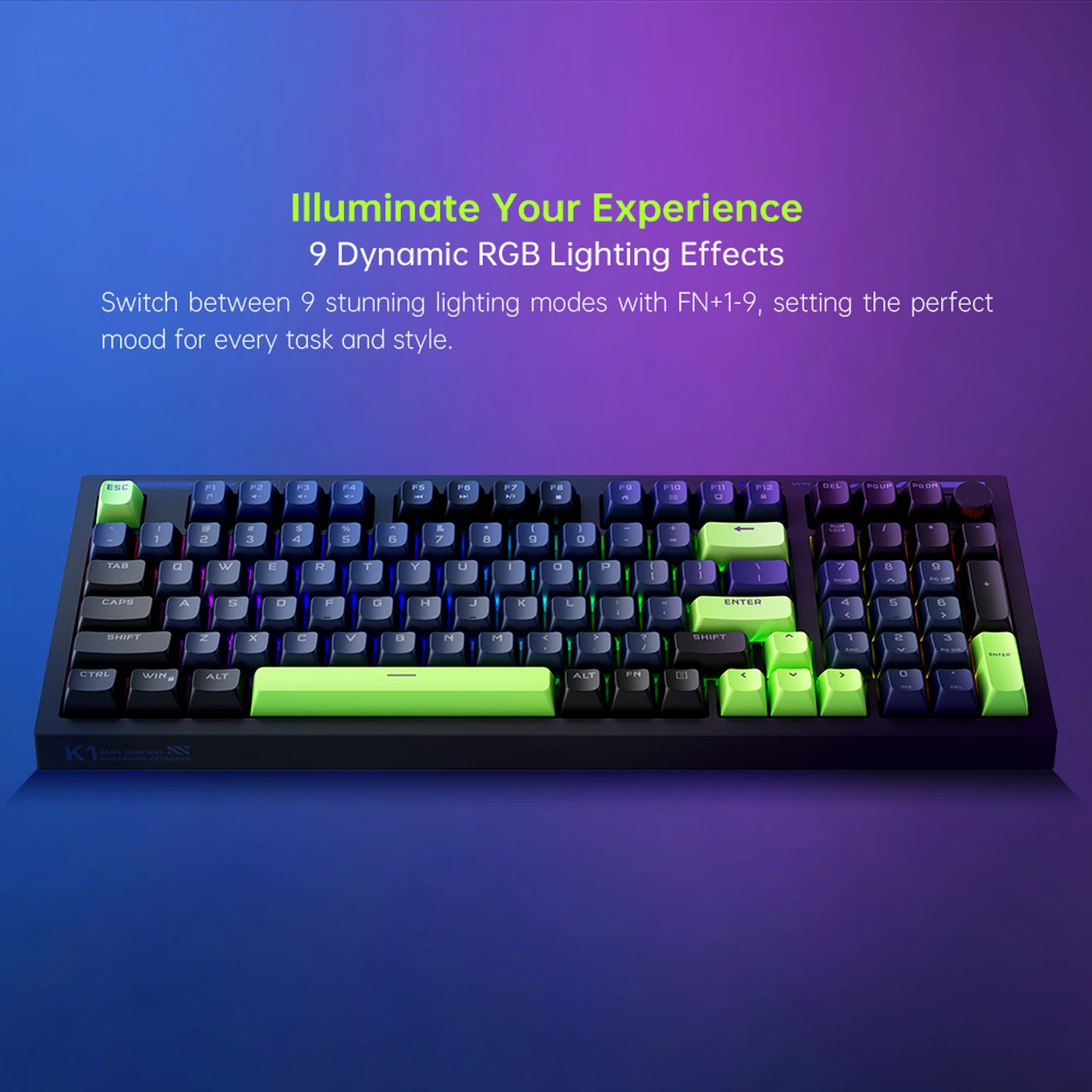
The K1 keyboard features 9 dynamic RGB lighting effects. Use the ‘FN’ key in combination with other keys to control the lighting:
- Switch Lighting Effects: Press
FN + 1-9to cycle through 9 different RGB lighting effects. - Turn Backlight On/Off: Press
FN + 0to toggle the backlight on or off. - Adjust Brightness: Press
FN + ↑orFN + ↓to increase or decrease the backlight brightness. Alternatively, useFN + PgUporFN + PgDn. - Adjust Speed: Press
FN + ←orFN + →to adjust the speed of the lighting effects. - Customize Zone Colors:
- Hold
FNand double-tap9, then releaseFNand pressFN + →. - The backlight in the bottom-left corner will flash, indicating zone selection mode. Continue pressing
FN + ←orFN + →to switch between different lighting zones. - In the selected zone, press
FN + ↑orFN + ↓to change the color of that zone. - To reset customized zone colors, reconnect the USB cable.
- Hold

Figure 4: Keyboard displaying dynamic RGB lighting effects
WASD Mode Switching
To toggle the functionality of the ‘WASD’ keys and the arrow keys (↑←↓→), press FN + W. This can be useful for specific gaming or application scenarios.
Key Features
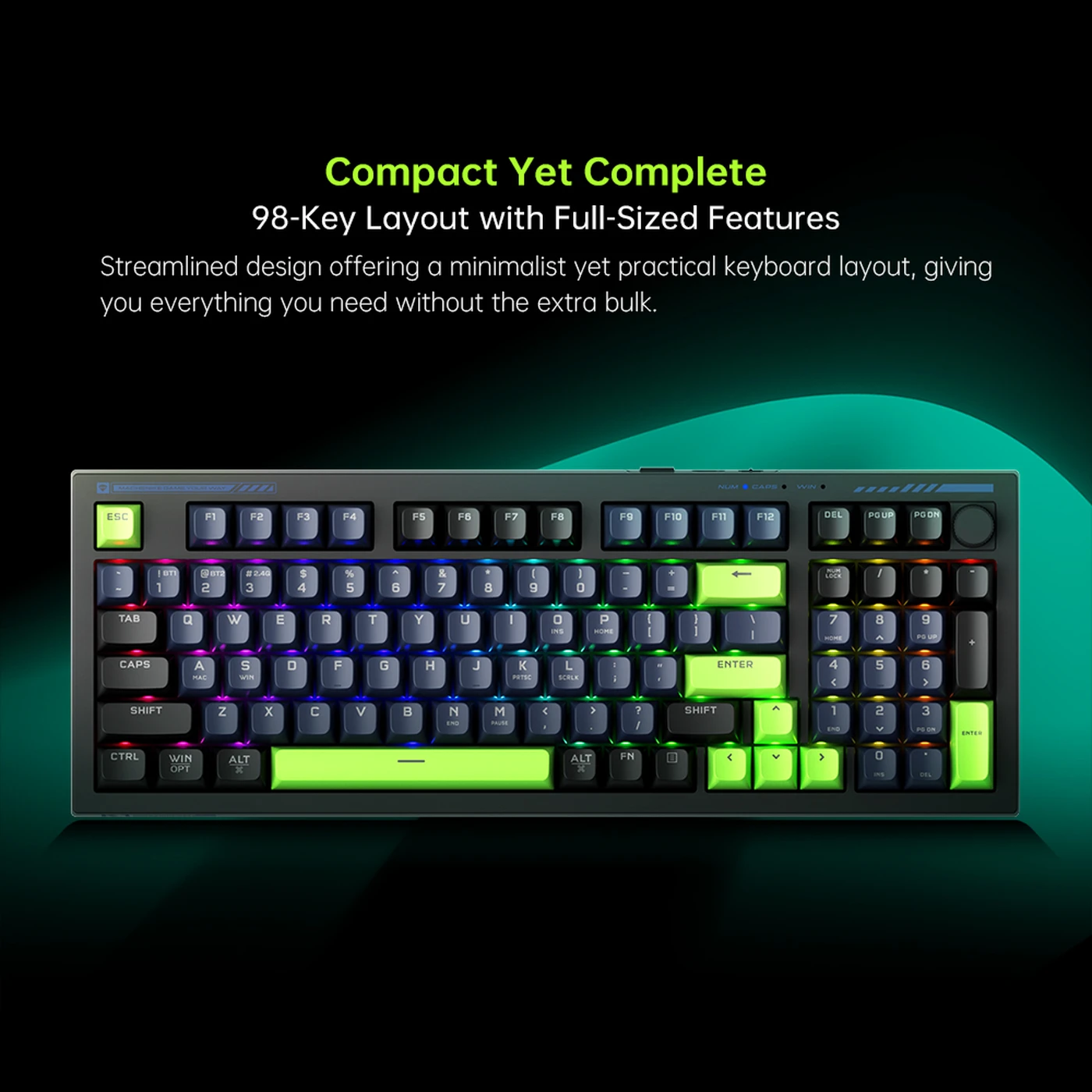
- Compact Yet Complete 98-Key Layout: A streamlined design that offers a minimalist yet practical keyboard layout, providing all necessary functions without excessive bulk.
 Figure 5: The compact 98-key layout of the Machenike K1
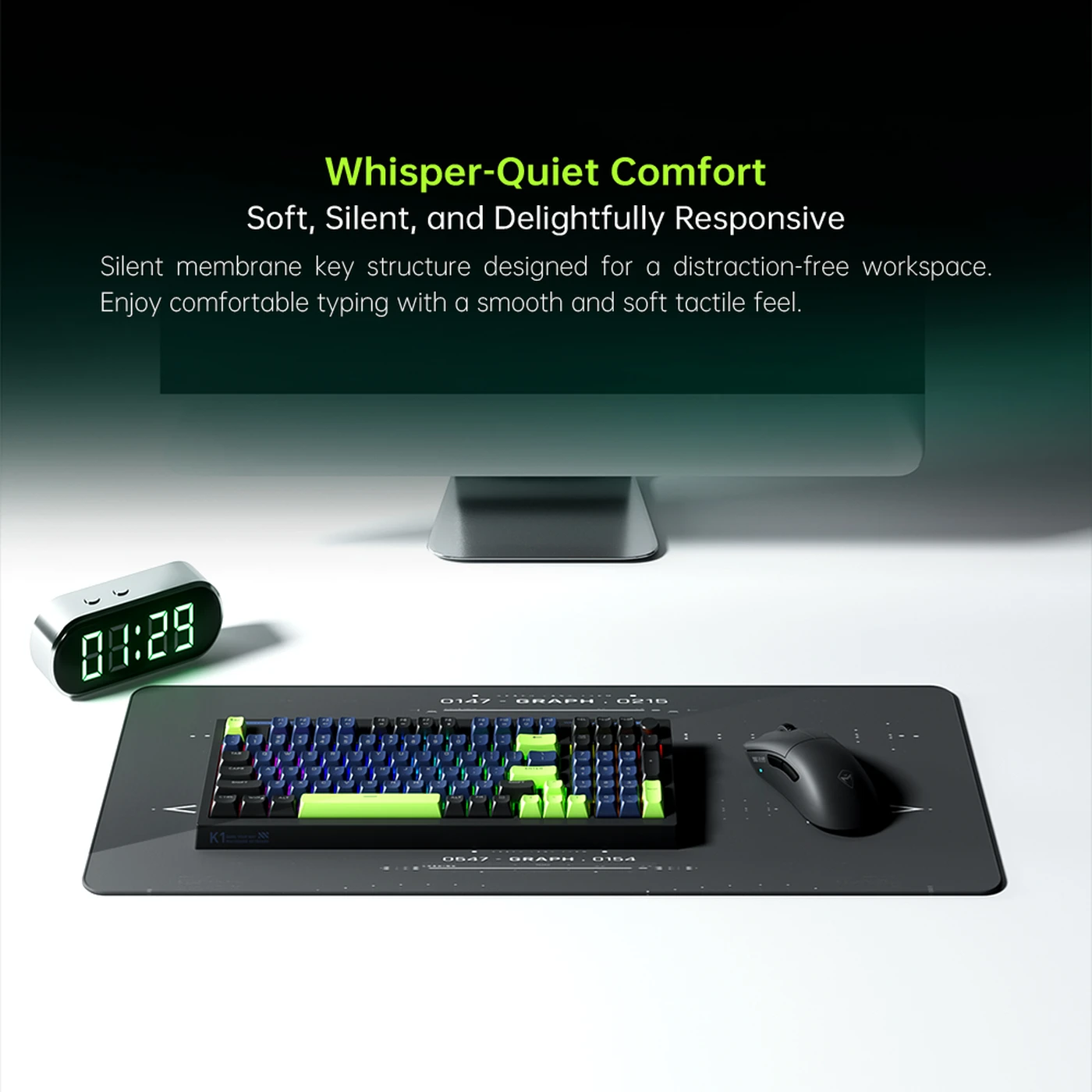
 - Whisper-Quiet Comfort: Features a soft, silent, and delightfully responsive membrane key structure, ideal for a distraction-free workspace and comfortable typing.

Figure 6: Machenike K1 in a quiet workspace setting
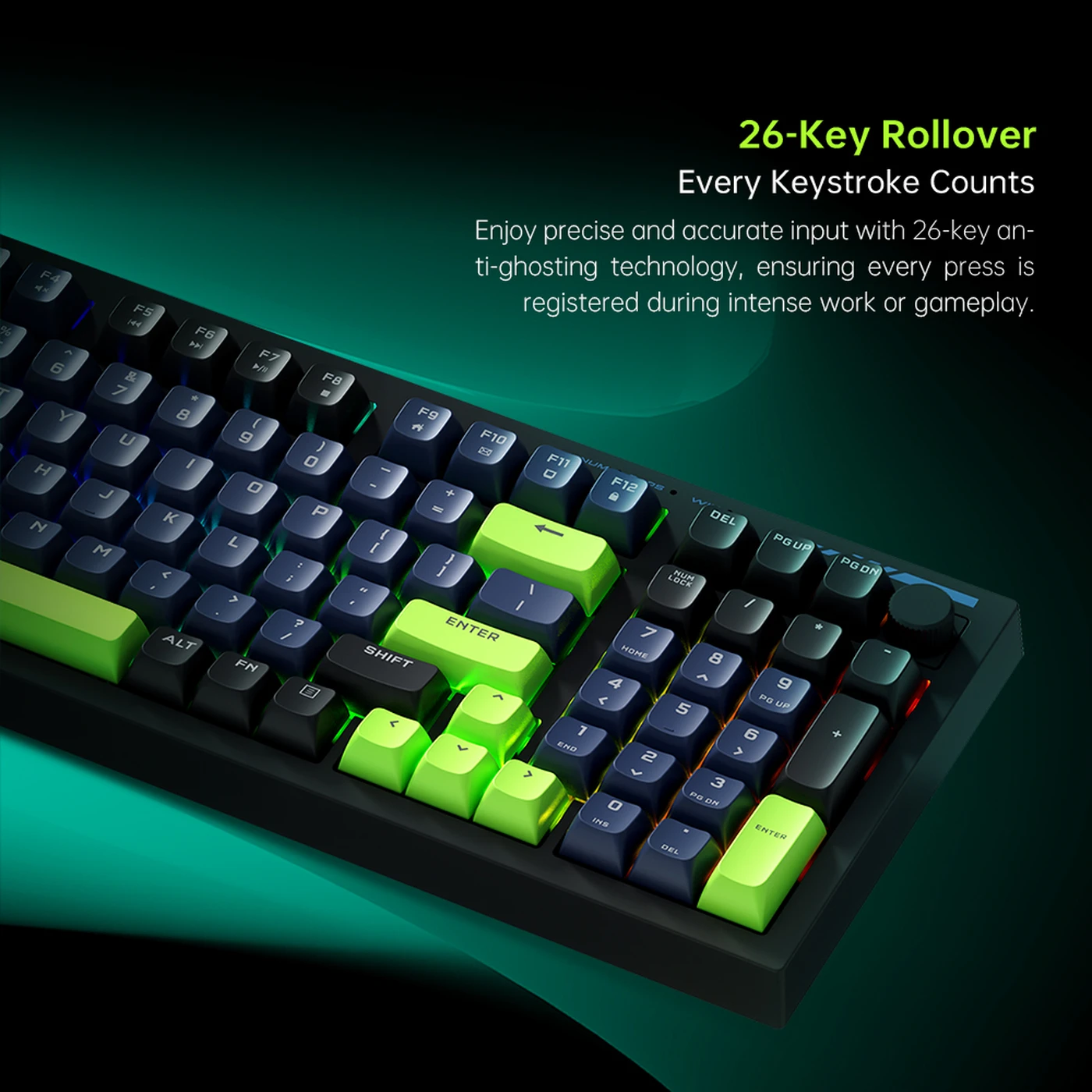
- 26-Key Rollover: Ensures precise and accurate input with anti-ghosting technology, registering every keystroke even during intense work or gameplay.
 Figure 7: Close-up of keys highlighting 26-key rollover capability
 - Two-Stage Adjustable Kickstands: Ergonomically designed kickstands allow you to customize your typing angle for maximum comfort during extended use.


Customer Reviews
There are no reviews yet.